UI vs UX: What's the Difference and Why It Matters
Confused about UI and UX? Learn what each one actually means, how they work together, and why getting both right matters for your website's success.


If you've ever heard someone say "we need a UX redesign" when what they actually mean is "the buttons look outdated," you're not alone. UI and UX get used interchangeably all the time, but they're not the same thing. Knowing the difference actually matters if you're building or improving a website, app, or product.
Here's the breakdown, minus the jargon.
What Is UI (User Interface)?
UI is everything you see and click. The buttons, the fonts, the colors, the icons, the spacing between elements. All of it. If you can point at something on a screen, that's UI.
Think of it as the visual layer. It's what makes a product look polished, on-brand, and easy on the eyes.
In short: UI is what it looks like.
What Is UX (User Experience)?
UX is bigger picture. It's the entire experience someone has using your product: how easy it is to find what they need, how the pages flow into each other, whether the checkout process makes sense, how fast things load.
UX isn't something you can point at directly. You feel it. A frustrating app, a confusing menu, a five step process that should've taken one click, that's all UX.
In short: UX is how it works.
How They Work Together
UI and UX aren't competing for attention. They're a package deal. A beautifully designed interface with a confusing user flow will still frustrate people. And a perfectly logical, easy to navigate product that looks like it's stuck in 2008 won't inspire much confidence either.
Think of it like building a house. UX is the floor plan: where the rooms go, how you move from the kitchen to the living room, whether the layout actually makes sense for daily life. UI is the paint, the fixtures, the finishes, what makes the space feel like yours once you walk in.
You need both to get it right.
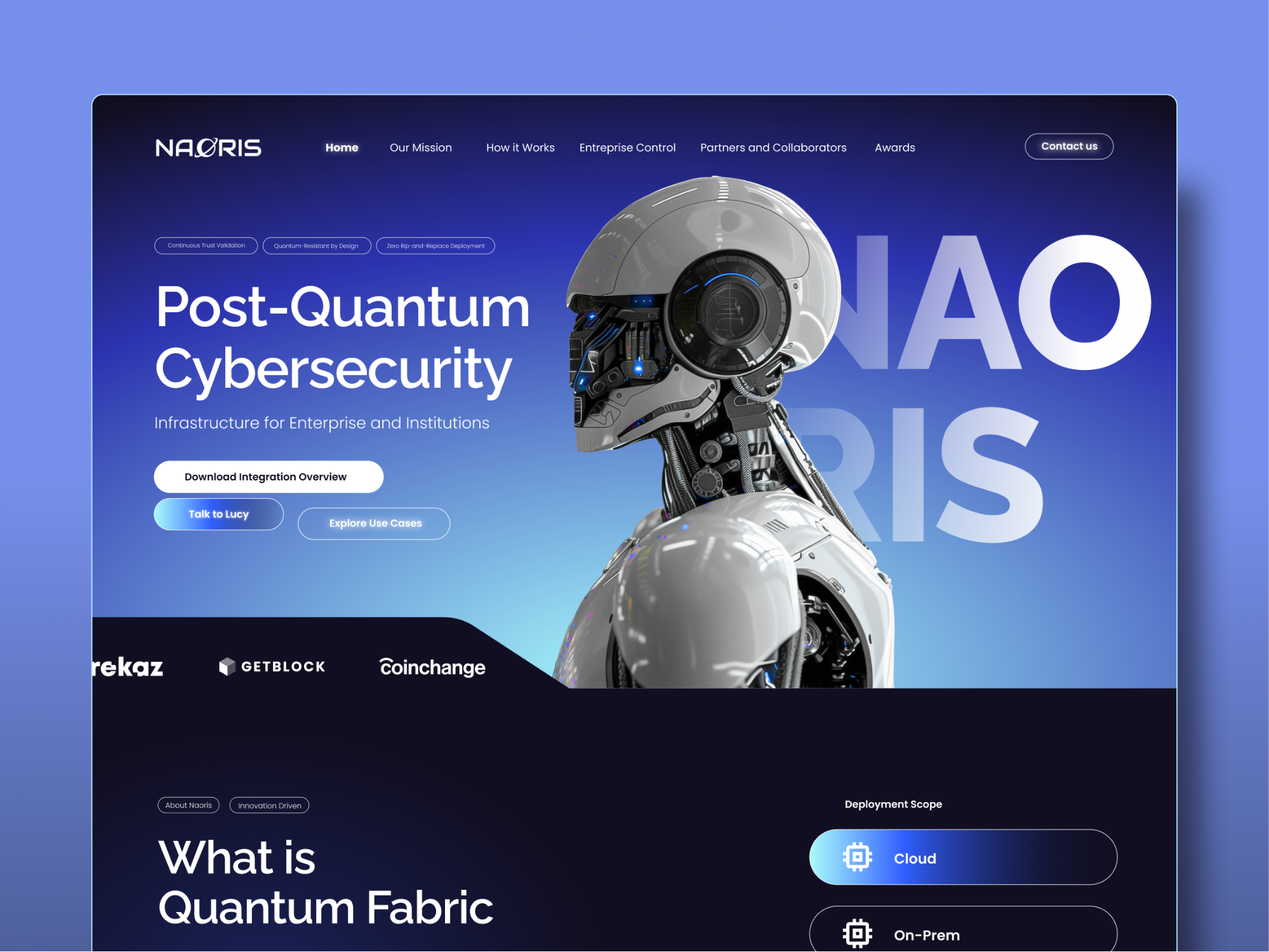
Take our work on Naoris Protocol, a post quantum cybersecurity platform. The product itself was highly technical, the kind of thing that's easy to explain badly. Our job was to design both the UI and the UX together: a clearer visual system paired with simplified user flows and stronger structure, so investors and enterprise partners could actually understand what they were looking at.
Why This Actually Matters for Your Business
Here's where it gets real: bad UX costs you. If people can't find what they're looking for, or the checkout process feels like a maze, they leave. That's a direct hit to conversions, no matter how nice your site looks.
Bad UI has its own cost too. Even if your site works fine, if it looks dated or unpolished, visitors don't trust it. And trust is usually the first thing you need to earn before someone buys, signs up, or reaches out.
The businesses that get this right treat UI and UX as one conversation, not two separate to do lists.
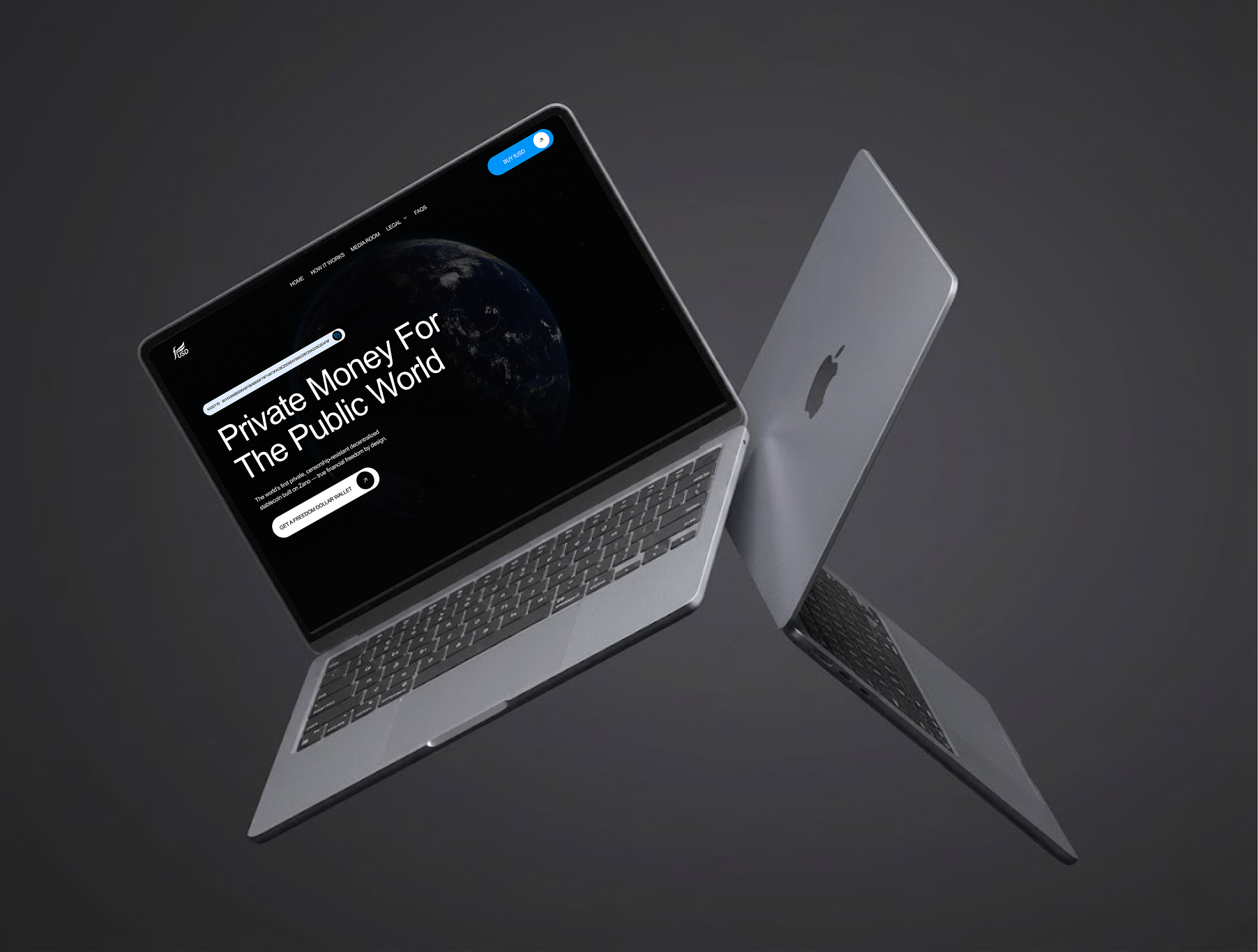
A good example is Freedom Dollar, a digital financial platform we worked with. Financial products live or die on trust, so the challenge was designing an interface that felt modern and accessible without losing any credibility. The result was a cleaner, more structured platform where navigation and content flow made sense at a glance, which is exactly the kind of thing that keeps visitors from bouncing.
The Bottom Line
UI is what your audience sees. UX is what they feel. Neither one works in isolation, and when they're both dialed in, that's when a website or product actually starts doing its job.
At Studio36, this is the kind of thing we think about with every project we take on: making sure a site doesn't just look good, but actually works the way it should. You can see more of that thinking across our full portfolio of work. Not sure whether your site needs a UI refresh, a UX overhaul, or a bit of both? Reach out and let's take a look together.